Center of Mass
- Home
- Tools
- Physics Tools
- Center of Mass
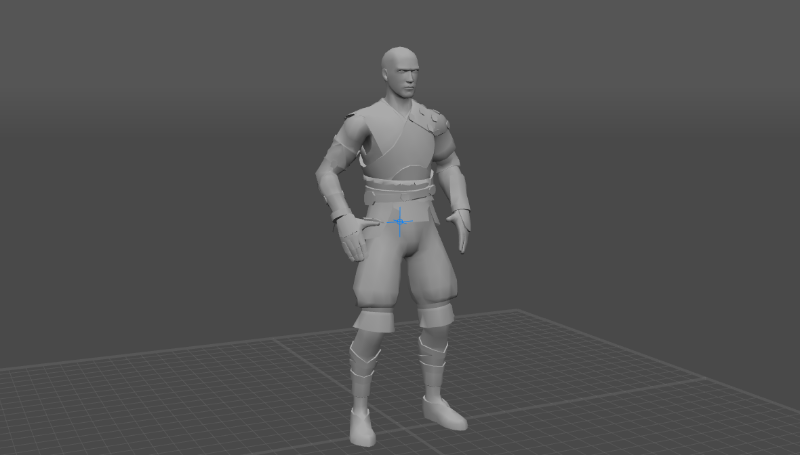
A character with a center of mass (represented as a blue cross)
A center of mass is a unique point that characterizes movement of an object (or a group of objects) as a whole. When a linear force is applied to the center of mass, it causes linear acceleration without angular acceleration.
In Cascadeur, center of mass plays an important role, as physics tools can only be applied to an object or a character with a center of mass.
These tools include:
Aside from that, Center of Mass can be used for moving (and animating) the character as a whole.
By default, the Center of Mass is visible in most of the Edit Modes.
However, you can also turn it on and off, if you need. To do this:
1. Right-click the Edit Mode Switch at the top left corner of the Viewport window.
2. There, disable or enable Center of Mass (for the point itself) and Center of Mass Grounder (for the line that connects it to the ground):
