Triangles
- Home
- Rig
- Rig Structure
- Rig Elements
- Triangles
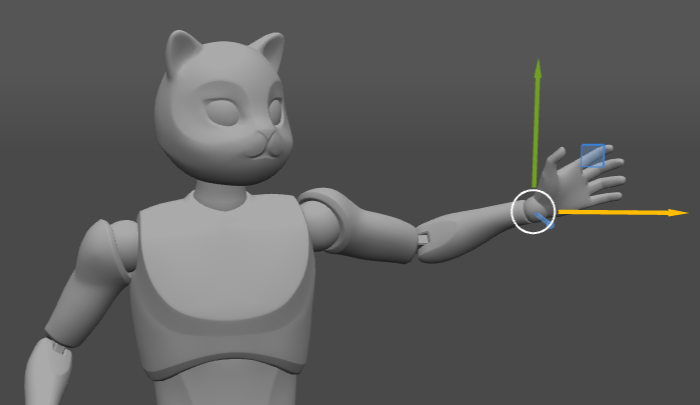
A Triangle in the Viewport. As it has no visible parts, only its position is shown.
Triangles are helper objects associated with Point Controllers.
In Cascadeur rig, triangles are used for creating a Local coordinates system based on three Points: the main one, the directional one, and the additional one.
These local coordinates, in turn, are used to position Rigid Bodies and Box Controllers that are linked to the Points.
In the Outliner, triangles are grouped in the Rig category, under the Triangle section:
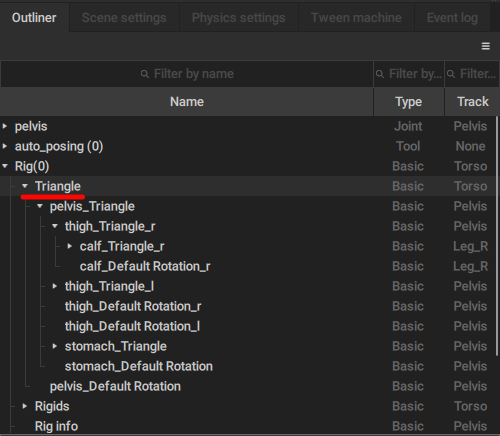
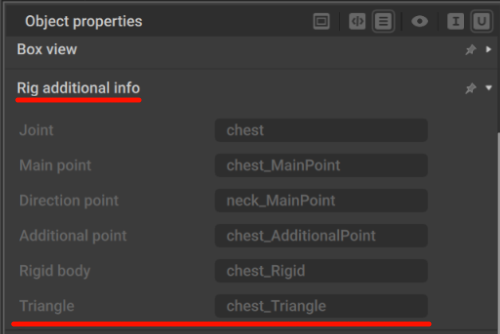
All triangles in the rig are placed in this section. It has its own hierarchical structure that follows the structure of the rig, but is not connected to it.Triangles associated with a particular Box or Rigid Body is referenced in the Rig Additional Info behavior attached to it:
The same structure also includes Default Rotation objects. These are used for creating a coordinate system that will have the same rotation relative to the parent triangle as this triangle had in T-pose.
On the Object Properties panel, a triangle only has the Basic group of settings visible:
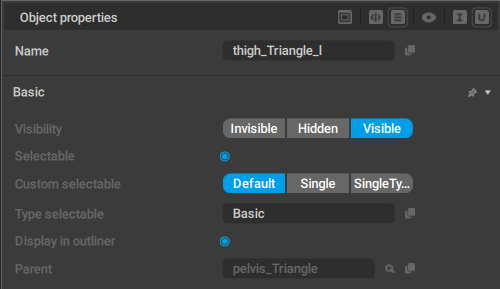
These settings, of course, do not contain anything specific for triangles.
Additionally, any triangle has a hidden Pivot customization set of parameters (it is not visible by default, but can be enabled in the Node Editor). It defines the triangle’s coordinates and rotation.
Triangles cannot be selected in the Viewport, and they are not rendered there.