Cascadeur 2026.1: New Renderer & UE Live Link

Cascadeur 2026.1 is now available in our download section, introducing one of the biggest workflow and technology upgrades in recent versions. With this release, Cascadeur fully transitions to the Filament Rendering Engine, adds a long-awaited Unreal Engine Live Link, and introduces a new AI-powered Root Motion Tool for generating and transferring motion signatures.

Alongside these major additions, version 2026.1 also brings a set of practical workflow improvements, including Collision Penetration Cleaning, Constraints in AutoPhysics, and more natural AutoPosing for quadruped characters.

Our highlights video walks you through the main new features in Cascadeur 2026.1 and shows how they work in practice:

What’s new in Cascadeur 2026.1?

Unreal Engine Live Link

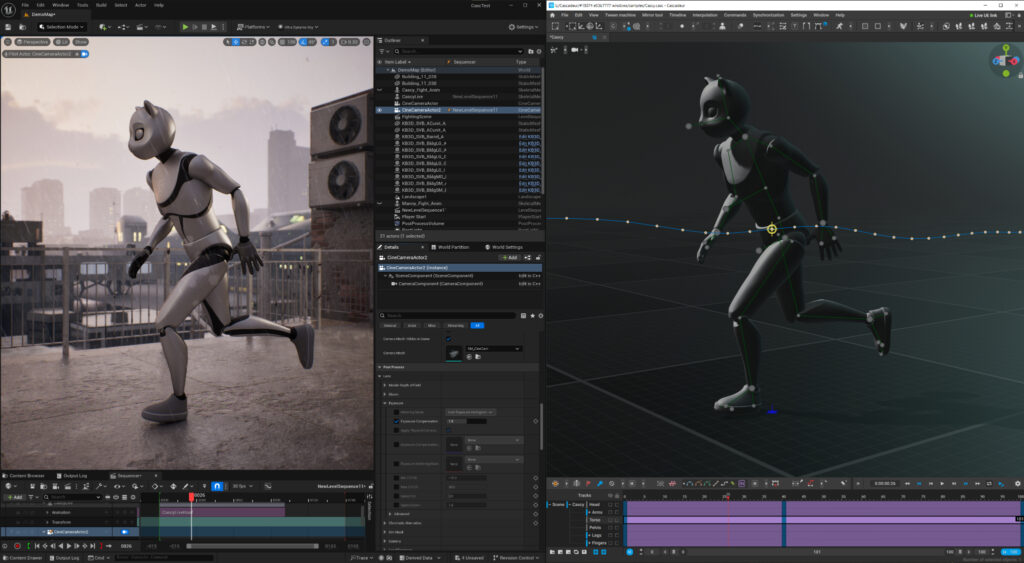
The new Unreal Engine Live Link allows you to stream animation directly from Cascadeur into Unreal Engine in real time. This makes it much easier to preview motion inside a UE scene, evaluate timing and staging in context, and iterate faster without repeated manual export steps.

The feature was developed with the support of an Epic MegaGrant and marks an important step in improving Cascadeur’s workflow for game developers, technical artists, and animation teams working inside Unreal Engine pipelines.

Important note: the Unreal Engine Live Link plugin is currently available as a separate manual download and installation via the dedicated Live Link documentation page. It will be published on the FAB marketplace at a later date.
Filament Rendering Engine

With version 2026.1, Cascadeur has now fully migrated to the Filament Rendering Engine. What was previously available as an experimental preview in 2025.3 is now fully integrated into the main release. This brings a substantial improvement in viewport quality and gives users a much more advanced visual environment while animating.

Lighting, shading, materials, and overall scene readability are now significantly improved, helping animators and technical artists judge poses, silhouettes, and motion more comfortably inside the viewport.

Root Motion Tool

The new Root Motion Tool introduces a new AI-assisted approach to motion style transfer. Using a diffusion model, the tool can analyze motion signatures from reference animation and apply their movement character to new animation clips.

This opens up new possibilities for experimenting with style, preserving the feel of specific body mechanics, and generating root motion patterns that better match the intended character performance. It is a powerful addition for users who want to explore not just what a character does, but how that motion feels.

Collision Penetration Cleaning

Complex character animation often leads to unwanted body intersections or floor penetrations that require manual cleanup. The new Collision Penetration Cleaning tool is designed to make this process much easier.

It helps detect and resolve problematic intersections more efficiently, reducing cleanup time and making it easier to polish animation scenes without breaking the original motion more than necessary.

Constraints in AutoPhysics

Point constraints are now integrated into Cascadeur’s physics engine. This means that objects such as weapons, props, or tools can stay locked to a character’s hand during AutoPhysics and Ragdoll simulations.

This improvement makes physically assisted animation workflows more reliable in situations where specific object relationships must remain stable throughout the simulation.

Enhanced Quadruped AutoPosing

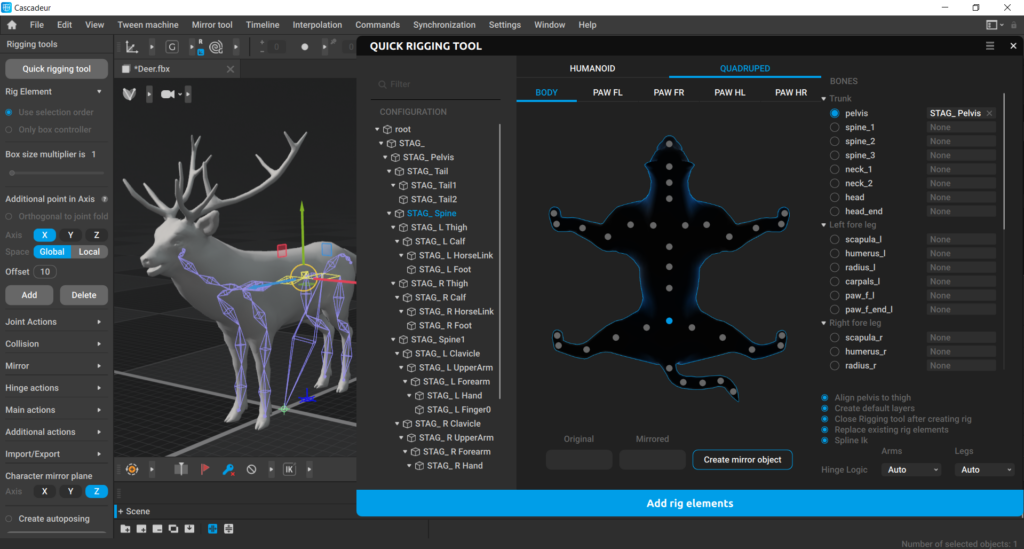
Quadruped support introduced in earlier versions has now been improved further. In Cascadeur 2026.1, AutoPosing for four-legged characters feels more natural, more intuitive, and better adapted to creatures such as cats, horses, and similar rigs.

This makes the feature more practical for a wider range of animal animation tasks and improves the overall posing experience for non-biped characters.
For a complete list of changes, check out the full release notes.
poster
Indie Project Spotlight: Her Majesty
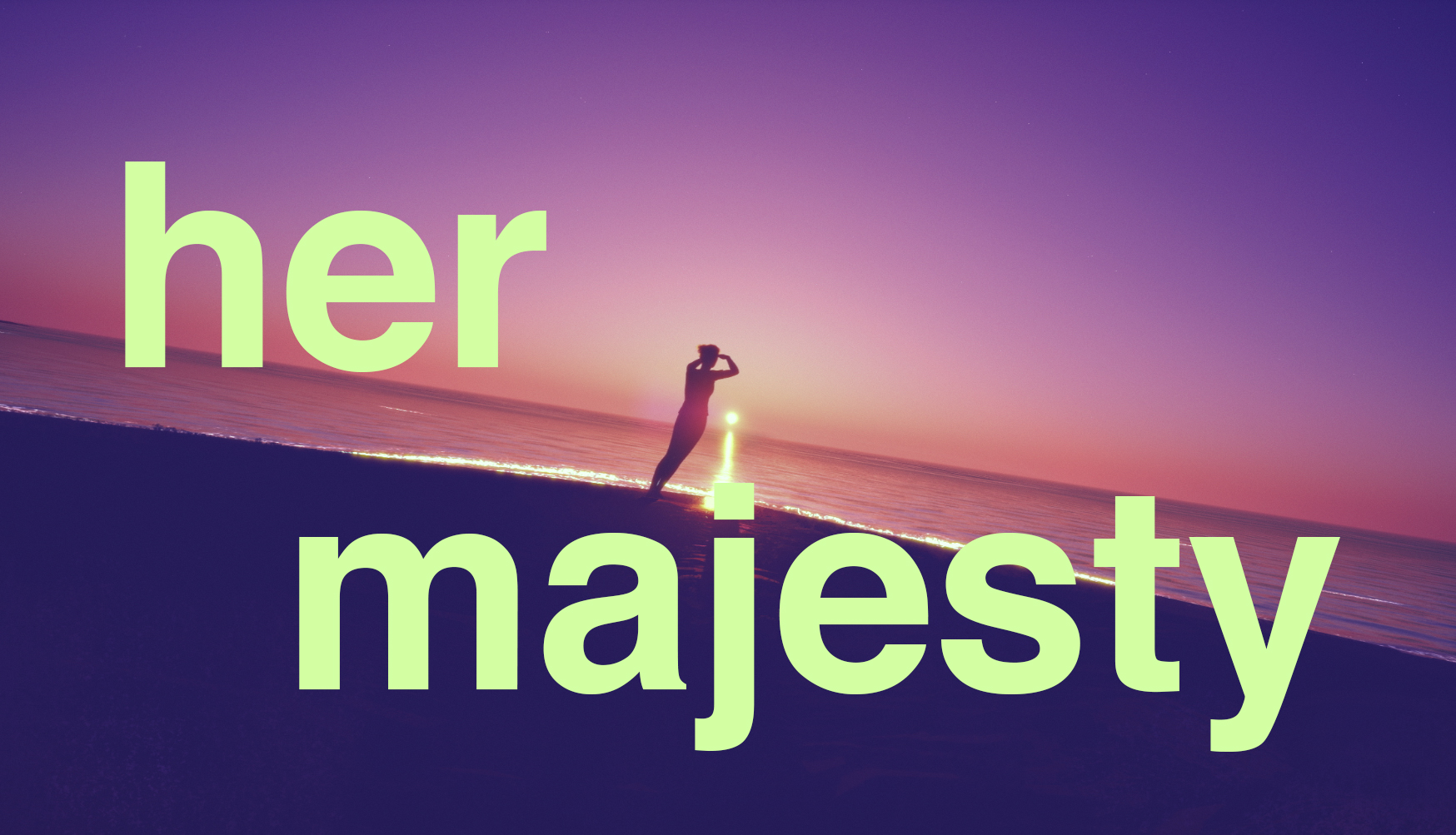
How do you animate stillness? In Her Majesty, animator and VFX student Tony Petroff explores subtle body language, silence, and micro-movements to bring a grounded character to life. In this breakdown, he shares how Cascadeur helped shape realistic motion, why he animated for the character rather than the camera, and how exploration sometimes matters more than precision.
poster
Indie Game Spotlight: Alaturka
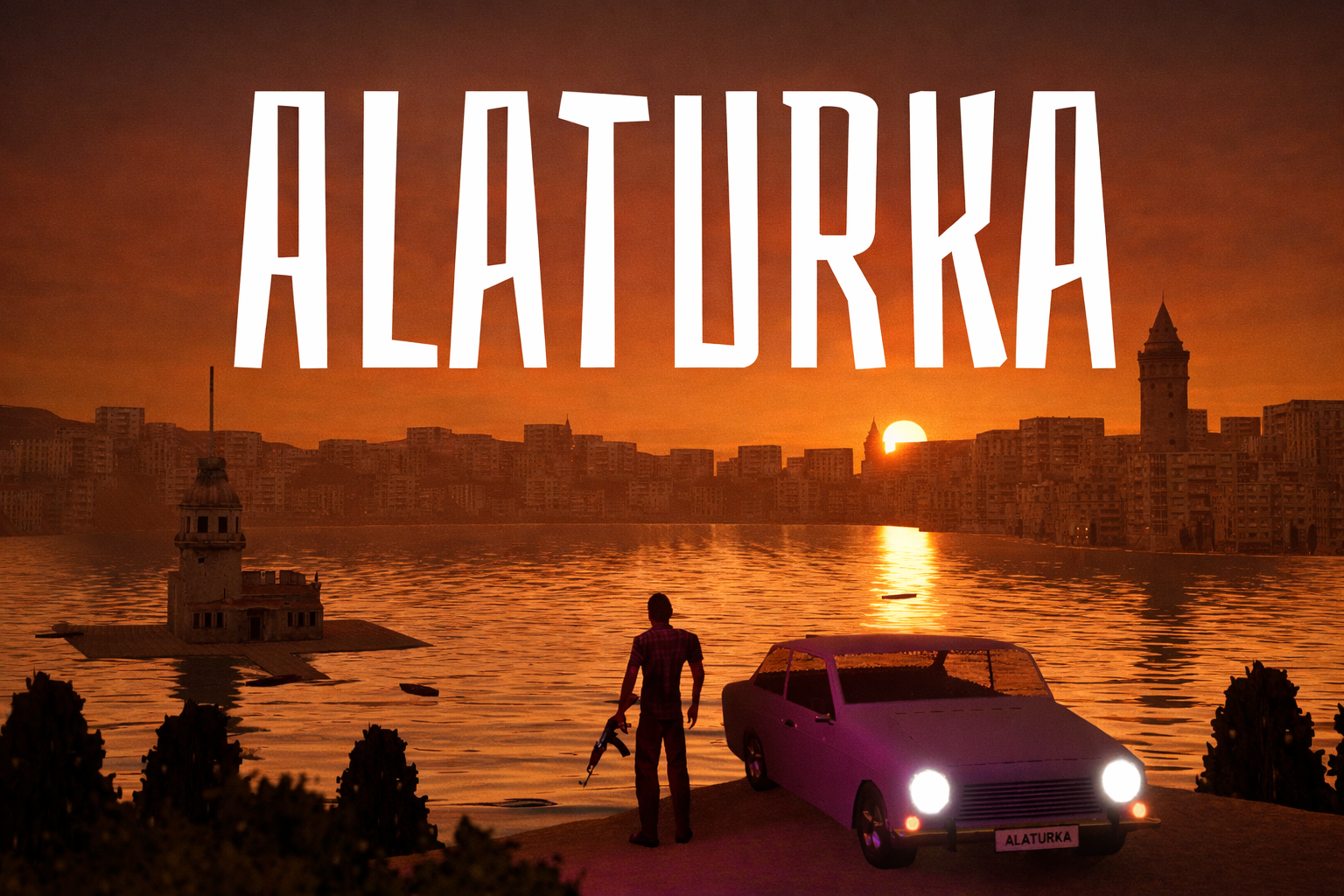
ALATURKA is a solo-developed, old-school open-world action game set in a fictionalized 1970s Istanbul. In this article, Unreal Authorized Instructor Burak Akşahin shares how the project evolved from an educational experiment into a living documentation of indie game development—and how switching to Cascadeur helped him overcome one of his biggest challenges: creating weighty, believable animations as a non-animator.
poster
Cascadeur 2025.3: New Inbetweening & Quadrupeds
Cascadeur 2025.3 is now available, lifting your animation workflow to the next level by fully integrating Inbetweening interpolation and introducing Quadruped support for AutoPosing and Quick Rigging (Alpha). For the first time, we are also offering an early experimental build using Filament Renderer as a separate download - giving you a preview of Cascadeur’s future rendering capabilities!
poster
Indie Game Spotlight: Dynasthir
Dynasthir is a dark, medieval-fantasy action adventure shaped by more than ten years of development. Indie developer Ulfgang Bristall describes how the game’s animations evolved over time, and how working with Cascadeur since its Closed Beta became a core part of his workflow. His insights show how a two-person team can now build complex, animation-driven game worlds that once required large studio pipelines.
poster
Cascadeur receives Epic MegaGrant, to be used to build dedicated Unreal Engine Live Link
Cascadeur has received an Epic MegaGrant, which we’ll use to develop a dedicated Unreal Engine Live Link plugin. This new integration will let entire animation sequences flow directly from Cascadeur into Unreal in real time, bringing a major benefit for the over 40% of our users who work with Unreal Engine for games and films.
poster
Best Shots: How to Use References for Better Action Animation (Part 3)
What can we learn from flawed action scenes? In this final part of the series, Team Cascadeur's technical writer Fjodor explores how even poorly shot material can inspire solid 3D animation. From building rough sketches and using AutoPhysics to refining environment and camera work, this article shows how to extract the essence of imperfect references and turn them into clear, dynamic animation.
poster
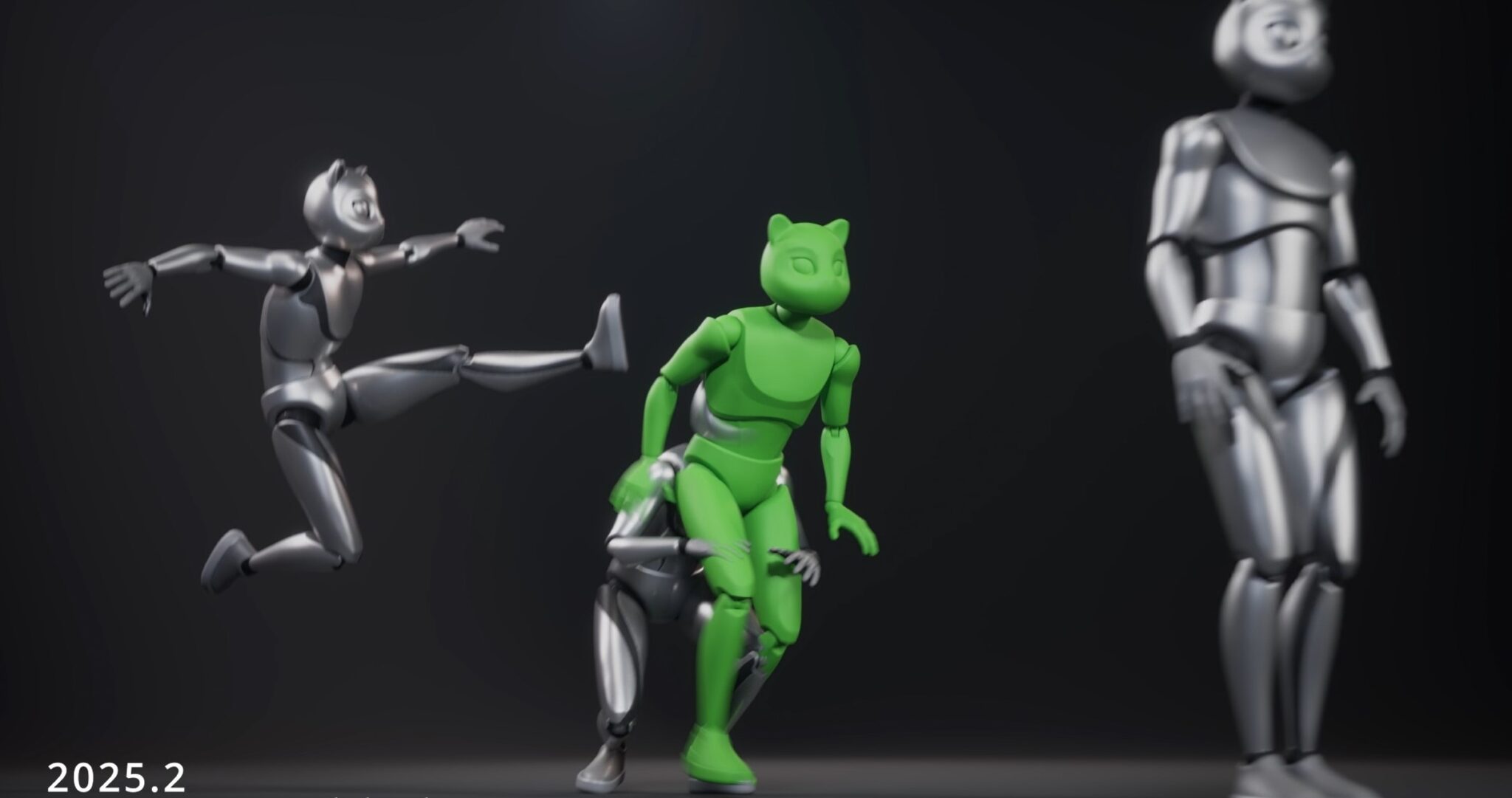
Cascadeur 2025.2 brings Massive AI Inbetweening & Workflow Upgrades
With Cascadeur 2025.2, we’re refining your animation experience with powerful upgrades to our most popular and widely used features - many of them based on user feedback. At the core of this update is a much improved AI Inbetweening system: smoother transitions, more precise results, and new ways to control your motion.
poster
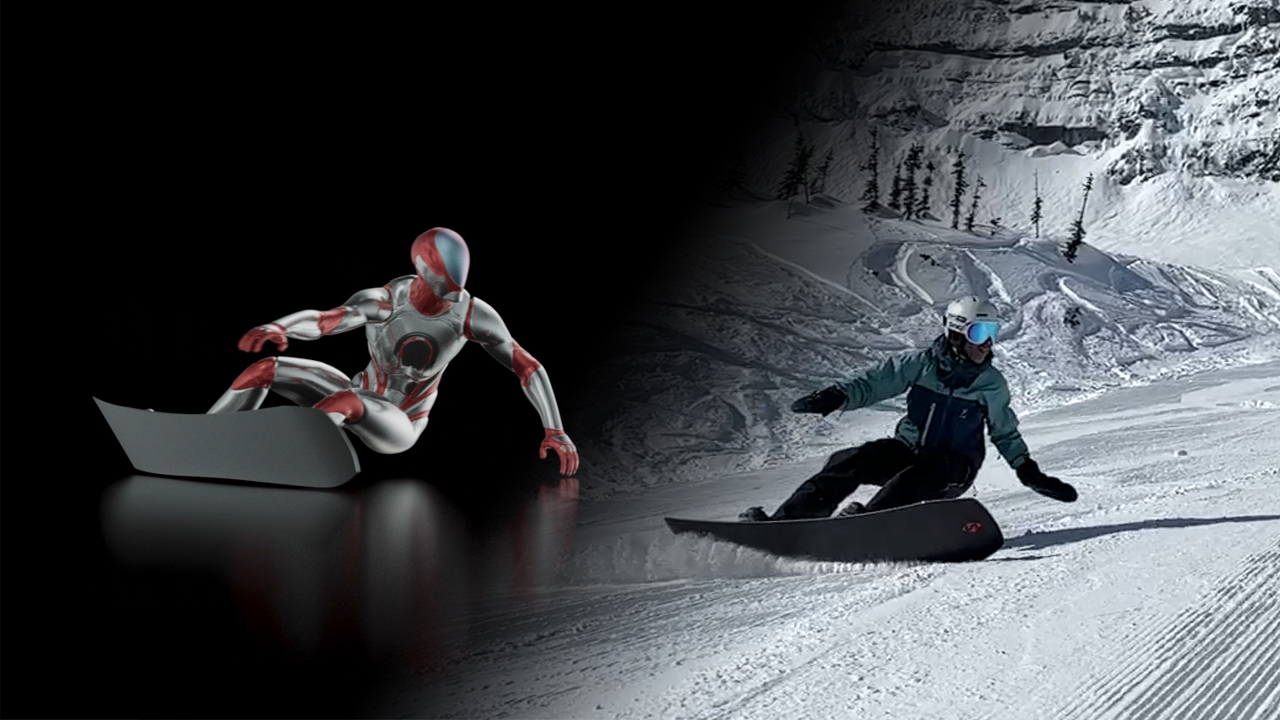
Use Case: Animating Snowboard Carving Techniques in Cascadeur
How do you capture the finesse of a perfect carving turn? In this article, @carver_arcalis shows how Cascadeur helps visualize the subtle mechanics behind edge control, weight shifts, and realistic board motion. Using custom rigs and a smart two-step animation process, he breaks down snowboard carving into clear, learnable movements — ideal for both enthusiasts and animators.
poster
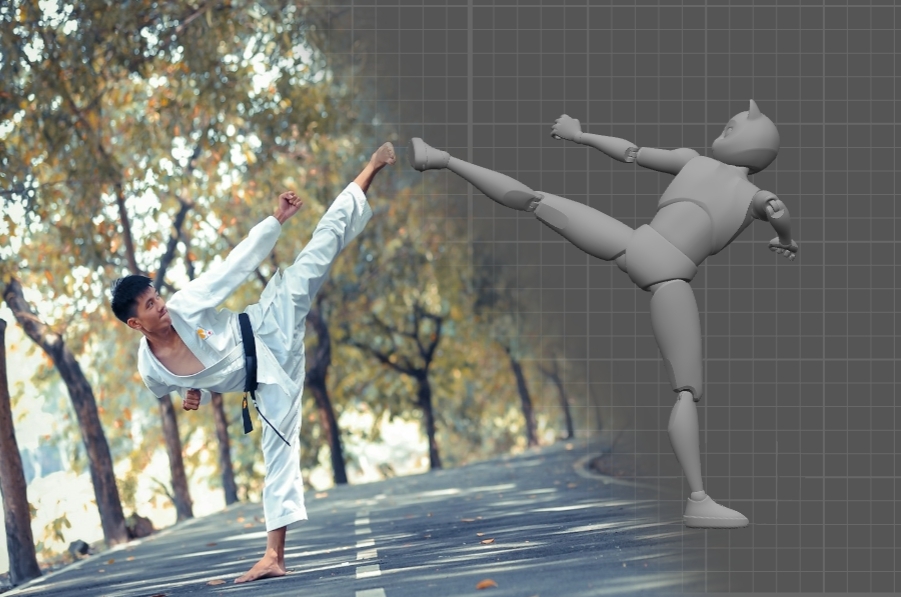
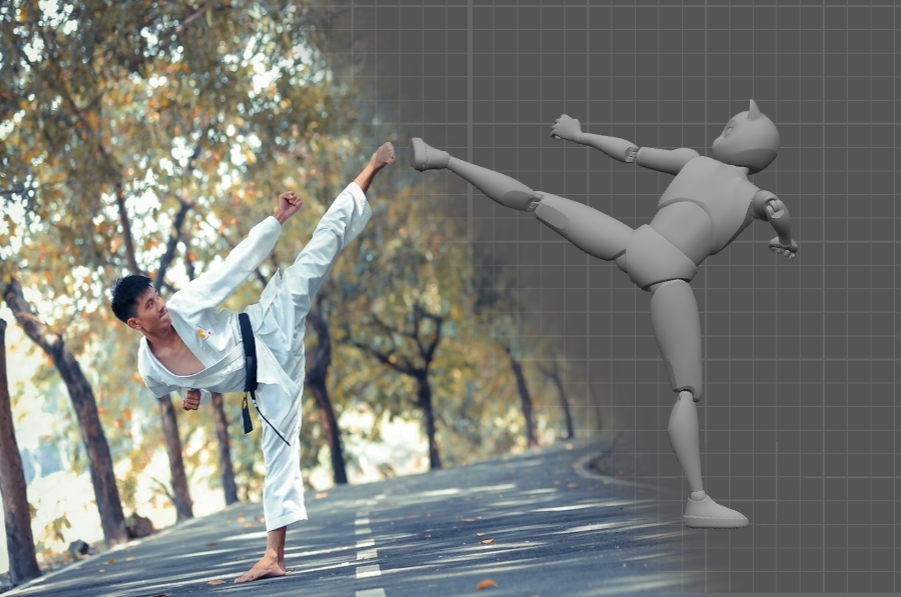
Best Shots: How to Use References for Better Action Animation (Part 2)
What can live-action fight scenes teach us about animation? In this follow-up to Part 1, Team Cascadeur's technical wriiter Fjodor explores how references from martial arts films can be used as a foundation for impactful 3D animation. From frame-by-frame analysis to working with centers of mass, this article shows how to go beyond copying and turn reference into real animation craft.
View more