
Hello, I’m Halil Onur Yazıcıoğlu from Team Machiavelli, a pixel artist/animator and game developer. As Team Machiavelli, me and my partner, Mehmet Can Güler, developed and shipped a pixel art hero defense game “Castle of Alchemists”.
For our upcoming new project Bring It, a fast paced chaotic food delivery game influenced by the chaotic gameplay of Crazy Taxi, I had the responsibility for NPC animations/controller, PC animations/controller and bike controller.
Our idea for “Bring It” was to bring classic “Crazy Taxi” mayhem driving into a bike delivery game, where you carry food from one place to another instead of people. We also wanted to amplify gameplay with extra pickups as well as some randomized modifiers for each gameplay like gaining double combos, earning money when you destroy stuff and more.
Another system that we had put in was meta progression. Instead of playing individual sessions and going for a high score possible, each day you earn money to upgrade stuff and go into the next day with new abilities, ranging from multiple bike options that have different abilities, as well as a progression system where you upgrade your house to gain different benefits.
Below, I will give you a small rundown of my experience on Cascadeur and how it made possible to develop “Bring It” as a pixel-animator who had “ABSOLUTELY 0 KNOWLEDGE IN ANY 3D ANIMATION SOFTWARE”.
We worked as a small team of 3 on Bring It, and as I mentioned I am a pixel artist-, not a 3D one. Bring It would be our first 3D game as Team Machiavelli and to be honest, even though I had the experience under my belt in 2D, I was quite reluctant with 3D animation. I mind you, given enough time I had confidence that I can learn it, but time was a major issue for Bring It and we were strongly considering if we can or cannot execute it within the limited time frame.
For the work we wanted to do, even if we can learn all the things we want within time, creating assets, especially animation assets, always requires considerable time, it was an experience we learned with Castle of Alchemists.
For “Bring It”, we wanted cartoony, exaggerated animations for NPCs, from finger guns to flying away in X shapes when hit by the bike or doing push ups on a bench in a park. And for the PC, Biker, we want even more exaggerated animations that can work with the motorbikes we have, sticking to handlebar while drifting, slight changes to posture as you change directions, legs going up when you are falling down.
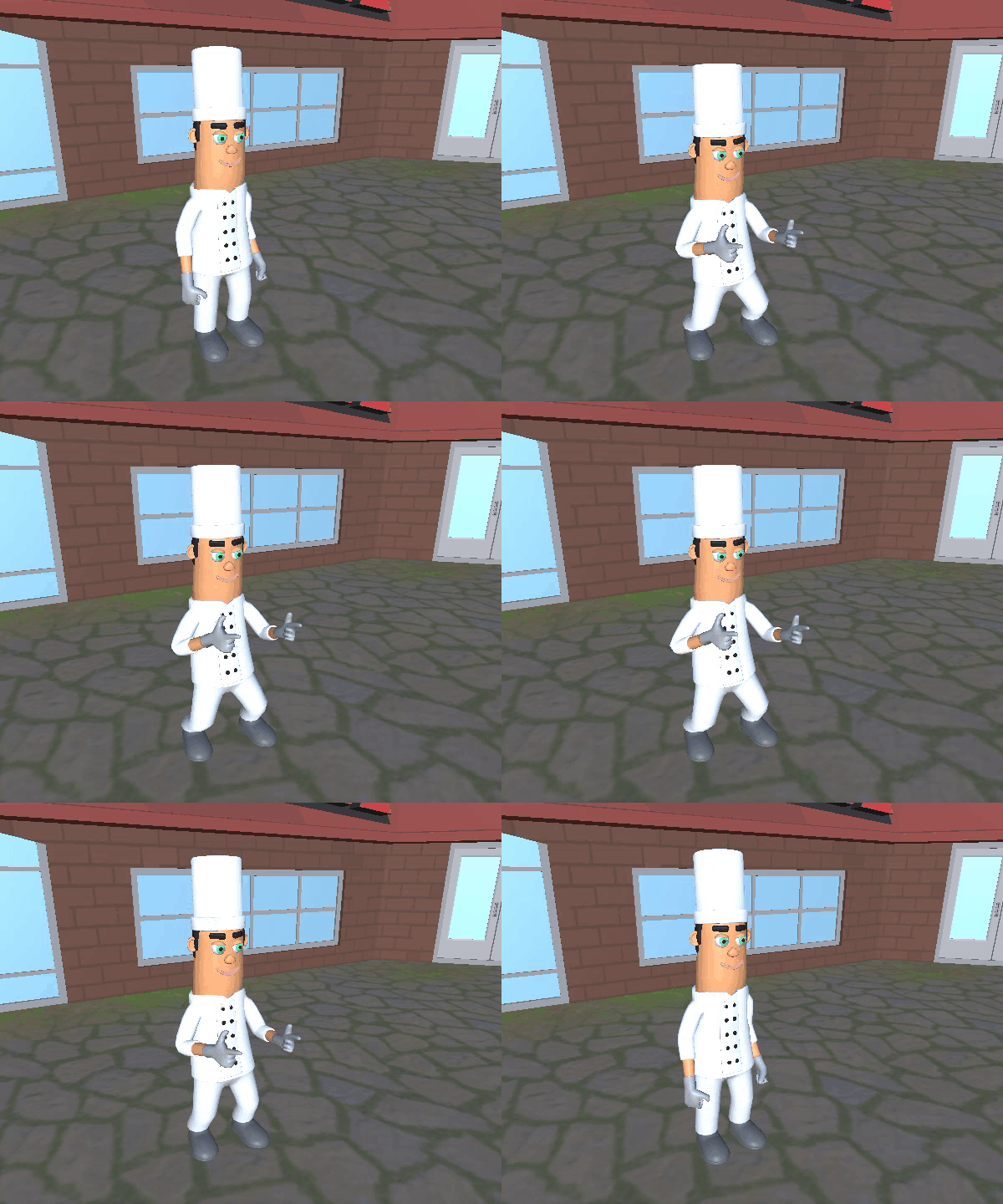
It was obvious that we required a lot of animations for blend trees, and the majority of them could not be obtained by pre-made assets, at least to our satisfaction or budget.
During these debates, Cascadeur’s name came up several times. We were already following the project for some time now, especially due to auto-posing and physics features.
I mind you, I was and still am against the general uses of Generative AIs in the market as an artist, but Cascadeur did not feel like it at all from the videos we watched. Rather than a machine that corresponds to basic text and puts out most statistical stuff, Cascadeur felt more like an exo-skeleton for animators.
Auto posing was quite important to us because from my experience I already knew the importance of key poses and I believed in my ability to decide on them, however putting each bone on proper position by hand for each key pose seemed like a very daunting task, especially I had to study some poses we have never used in Castle of Alchemists before, like driving a bike, since the game was all about that bike.
I was also aware that I would make mistakes that would affect the quality of the animation, since I can no longer use 6-8 frame cycles that can easily let go of some of the in betweens. Animations would run 60 fps, meaning that each interpolation of animation should also look good, which may require more keyposes or in-between frame adjustments. While I had experience with creating some necessary in betweens in 2D, I also knew that this would consume precious time. This was where the physics section of Cascadeur actually let us in awe from the videos we saw.
As we finally decided to give it a go, I was still reluctant if I was able to learn this program fast enough, and how much it will take control of the process and replace my work as an AI tool.
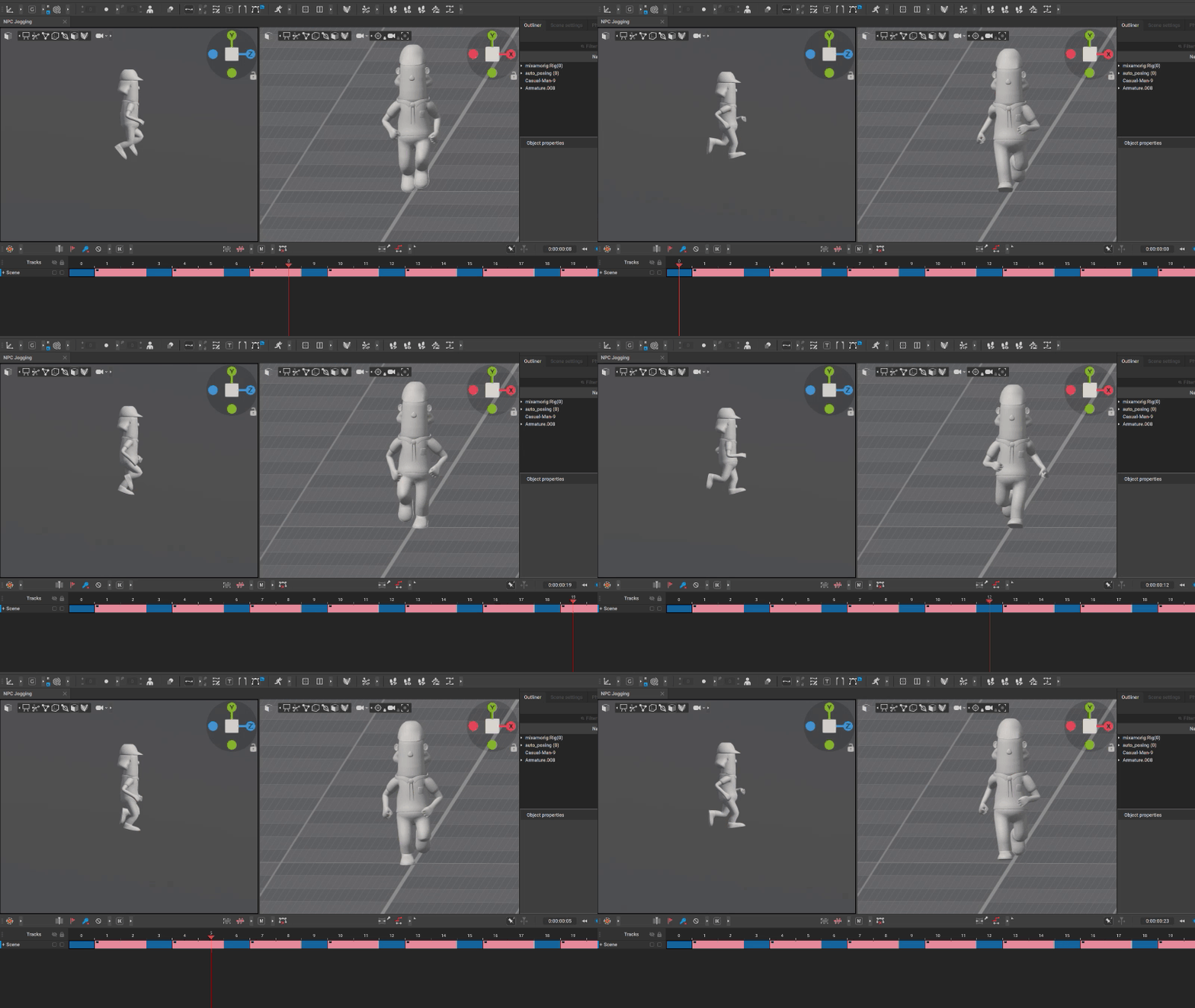
However after a couple of basic tutorial videos showing me the very basics, like how to add frames, turn the camera, change view modes and activate physics, I was already knee deep into Cascadeur, doing several key poses with ease that I had not even hoped for, trying out animations right and left and seeing what can we do. Any of the small mistakes that would show up in the interpolation frames, were easily caught up by Physics feature. And it would also give much needed secondary motions to bring life to animations. Cascadeur felt like an empowering tool enhancing our speed under our direct commands, with tools that we can easily turn on and off.
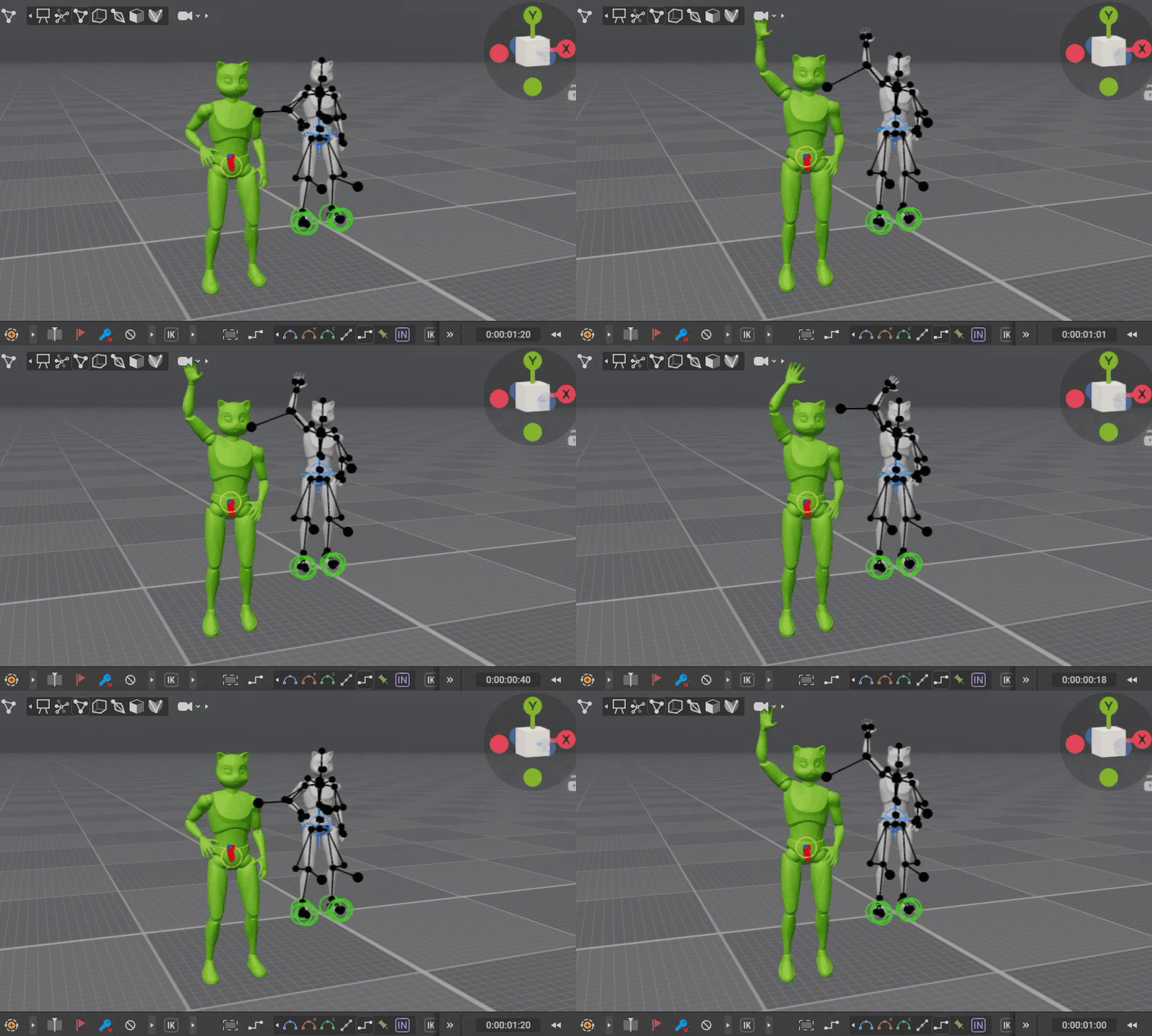
As I mentioned, we had an extensive list of animations we wanted to do, and speed was the essence for us. But with a combination of auto-posing and minimal usage of physics feature, I was easily cooking up basic animations within literal minutes. I did not even expect half of the speed, and my key pose knowledge translating so well and seamlessly thanks to auto posing.
Initial try out of the free version did not just give us confidence that we can execute Bring It, but even boosted it so much, we were convinced that we can do even more things we want within this limited time frame. We quickly racked up the animations we wanted to do, almost doubling initial plans and we purchased a pro plan immediately.
The only thing left to do was put the models we were gonna use into Cascadeur and figure out a way to do Bike animations in conjunction with the bike models.
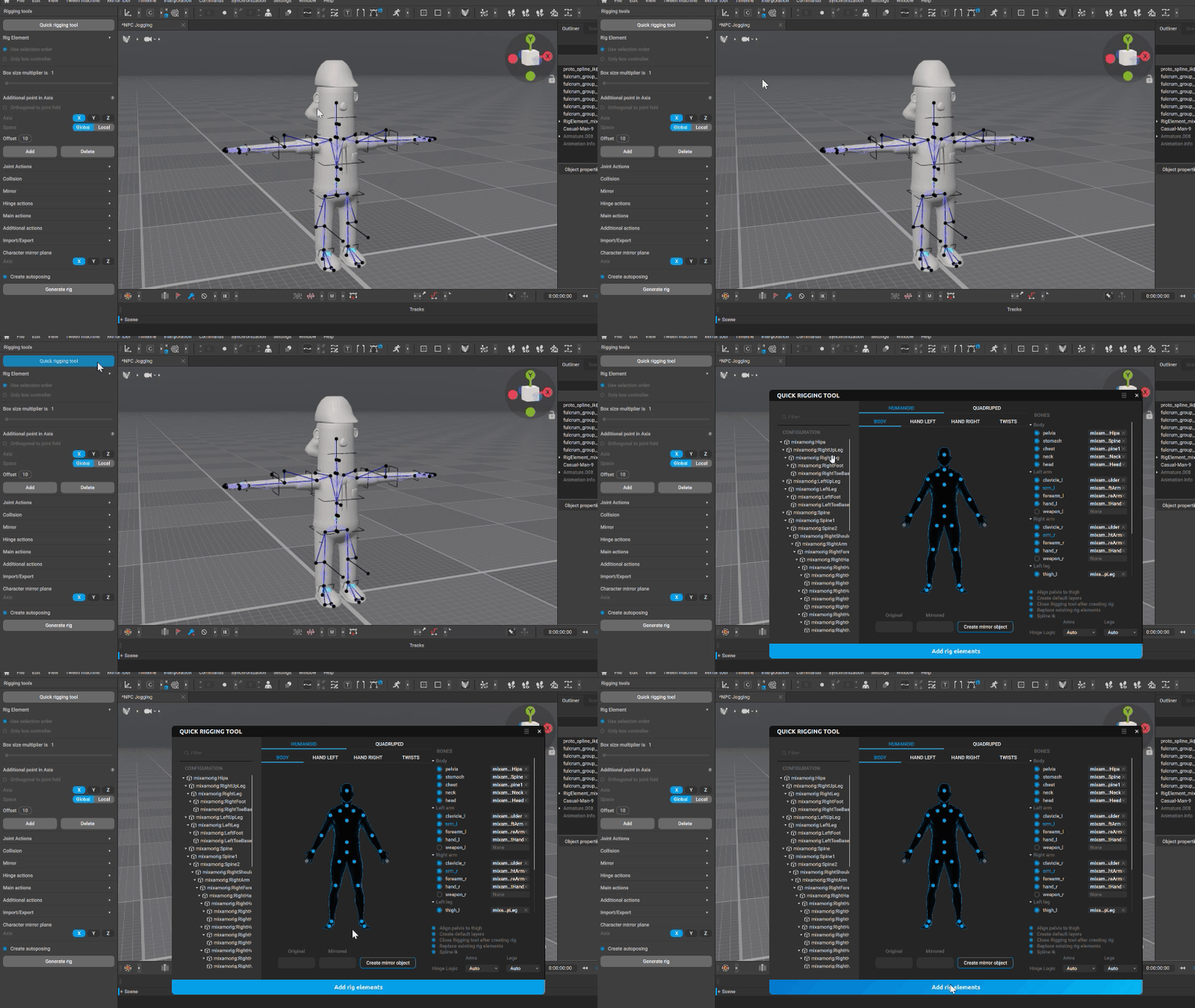
At first it gave me a little heart attack to see loading up the basic model into Cascadeur immediately opened a rigging tool. I need to remind you, this is me using a 3D animation program first time, and here comes the rigging part with all the stuff that I don’t know, while moments ago I was the king of the hill doing all sort of amazing animations, impressing my colleagues and boosting my IMMENSE abilities of animation.
But then, I realized the “Quick Rigging Tool” looking at me like a jug of water in a scorching hot desert, urging me to click on it and LO AND BEHOLD, all of the necessary parts were already recognized, and if not, I was only had to drag and drop relevant bones into relevant places, which I had an amazing experience prior, and the big bad rigging was gone. The model was ready to use, responding to the program’s every feature. I was truly saved.
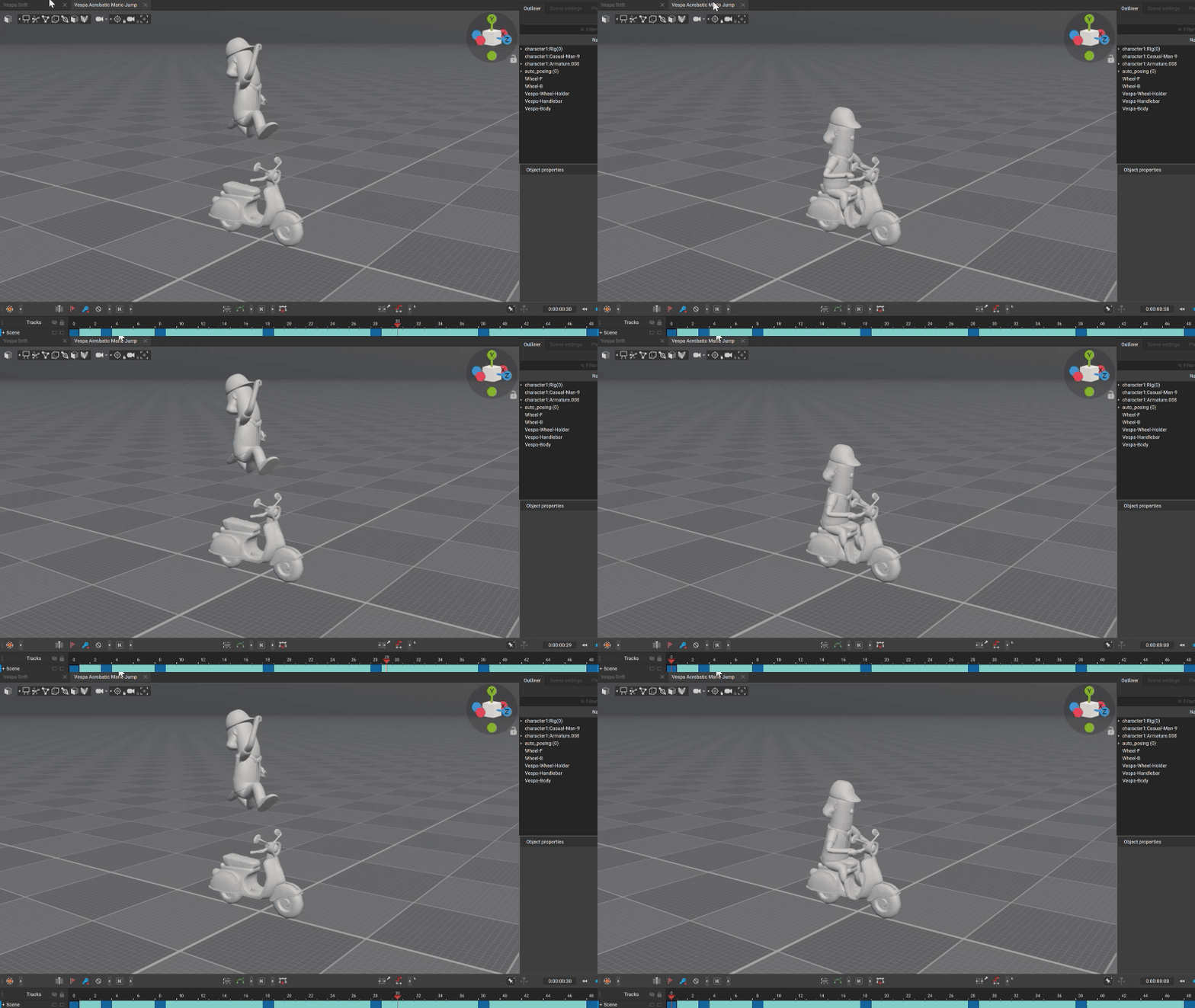
I then added the bike. It was very easy to figure out how to move objects without rigging via a tutorial video Cascadeur provided. I have put the biker on it, and within a day of purchasing Cascadeur, I was already producing the animations in a 3D program which I have never used before.
Then came the exporting part. I must confess this was the part we kinda struggled the most. Because I had not just lacked any experience in 3D animation programs, but also importing them into the game engine we use, Unity. I was totally unfamiliar with the file types, both for 3D and animations, or what I should be careful of within Unity options and I couldn’t find a proper seamless workflow video tutorial.
At that point, I was smart enough to ask help from other developer friends, however while they had experience with Blender, they did not have any with Cascadeur. So I had to compromise a little bit and include both into my workflow. I mind you, while this might seem like an ease for you if you are experienced in those programs and workflows even a little bit, I wasn’t and my experience with Blender was a lot less than with Cascadeur.
The developer friend I asked help was also the creator of the assets we use for the models, so it was a specific solution for his assets, but in overall, it did not take more than a workday for us to figure out how to import animations into Unity with a blended workflow of double exports, from Cascadeur to Blender (with animation and models), then from Blender to Unity.
And then again, I was the confident 3D animator back in action, just within 3 days already pumping out animations and testing them in Unity, developing both animations and controllers for the PC, NPCs and the Bike. All my reluctance and doubt about 3D animation had vanished like a drop of alcohol on the balcony tiles on a summer day. Soon enough I was adding extra acrobatic animations to the biker while driving the bike, backflips, cool poses in the air, kung fu moves, anything that comes to mind.
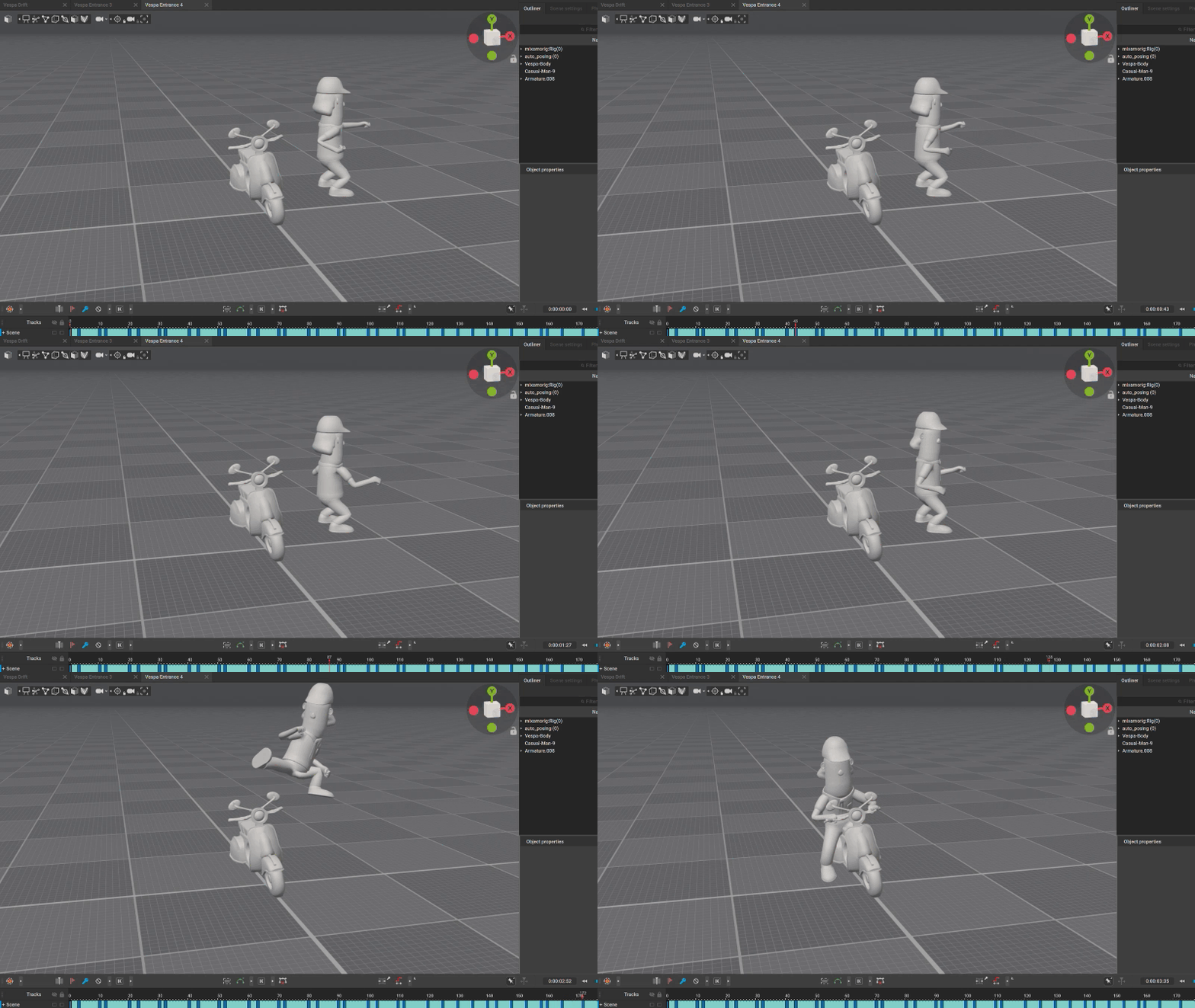
During our development time, Cascadeur rolled out the first iteration of in-betweening. We quickly tested it and couldn’t believe how easy it became to do basic animations, especially filler animations for us.
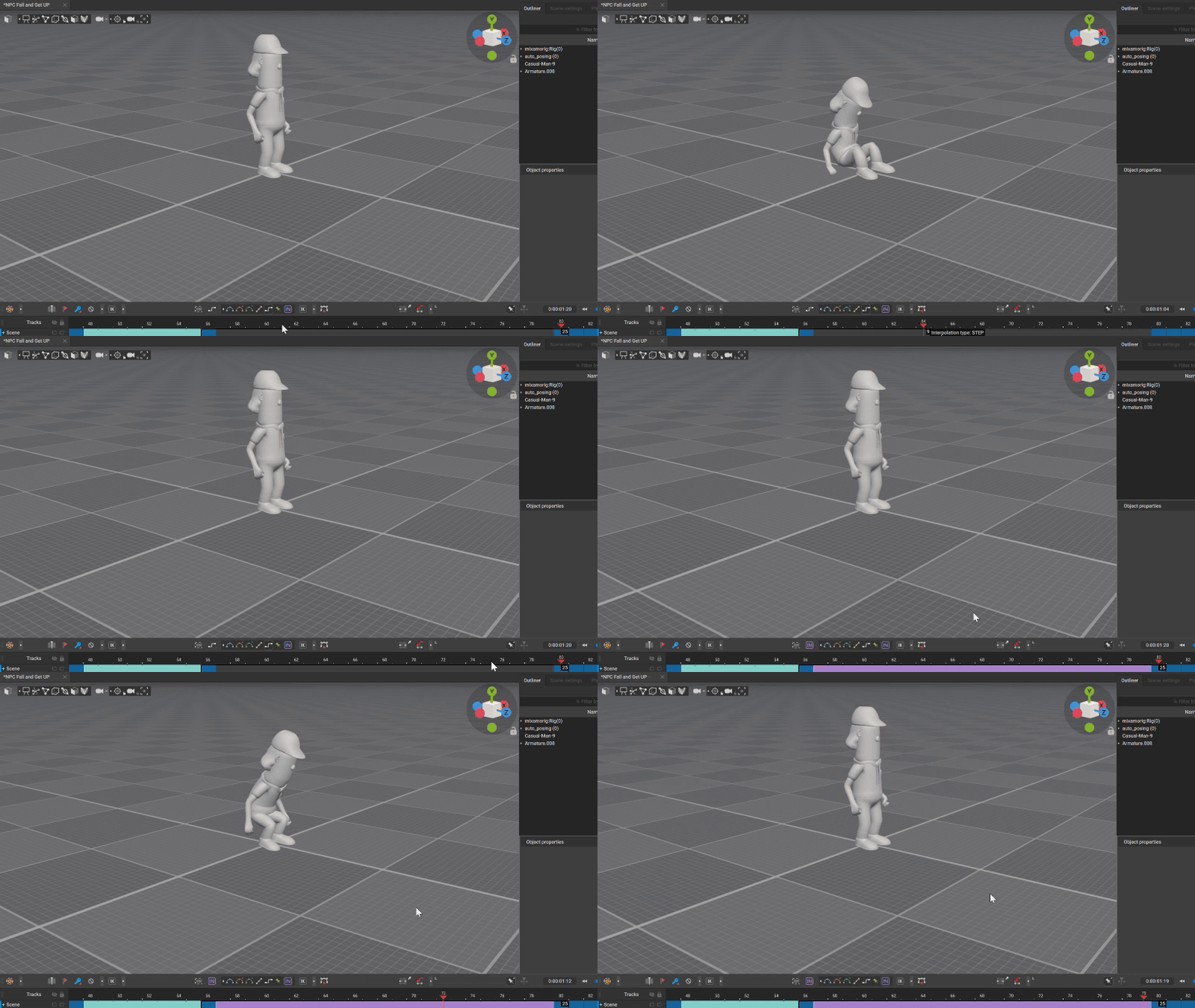
We used it only on one occasion because we were mostly done with animations at that time. We had a very nice fly away animation for our NPCs and the one where it lands. Both cartoony and exaggerated like we wanted. However, we simply needed an in-between (wink wink) animation from fall down position to going back tired/battered animation after the bike hit. We simply loaded animations’ last key pose and first keypose, put them 60 frames apart and hit ever so beautiful purple “IN” button on the interpolation and there it was, the simple get up animation from the fall position. It required just a little bit adjustment, because of the weird key poses, but this was done within a minute and it simply worked.
While Cascadeur made me ambitious and fearless about 3D animation, I would like to tell you that I am a quite reluctant artist about Generative AI and current implementations in the market for other products.,
However, at its core, Cascadeur does not feel like nor operate like a Generative AI for us. I was already versed in the animation, even though it was in 2D and I knew what I was doing with the key poses and Cascadeur helped me along the way.
During all these development progress, Cascadeur felt like an assisting tool, speeding up the process, filling the gaps during your creation, not forcing stuff you did not want, making bland suggestions or taking the joy away from the creation progress. It was there to help with posing, interpolating and filling the gaps of animations for me and as far as I know, data sets they use are internally produced by them, wearing motion capture suits.
All in all, personally, I feel like this is how AIs should operate, focusing on a single subject and providing tools around it rather than trying to create it itself.
I can easily say Cascadeur as it stands, is a core program that Team Machiavelli will use for any form of 3D animation, and I can easily suggest it to any small team or solo developer.
If you like to see how “Bring It” is shaping up, you can check from the link below. Thanks for reading!


