LEARN CASCADEUR
Tell us what you want to learn 
Tutorials
Skill path

11:16
Tutorial
Level
Get Started in Cascadeur | Your First Animation Tutorial
Interface, Keyframe Animation

05:42
Tutorial
Level
All You Need to Know about Fulcrum Points
Physics

14:29
Tutorial
Level
Rokoko Mocap | Cleanup and Editing in Cascadeur
Mocap & Editing
05:22
Tutorial
Level
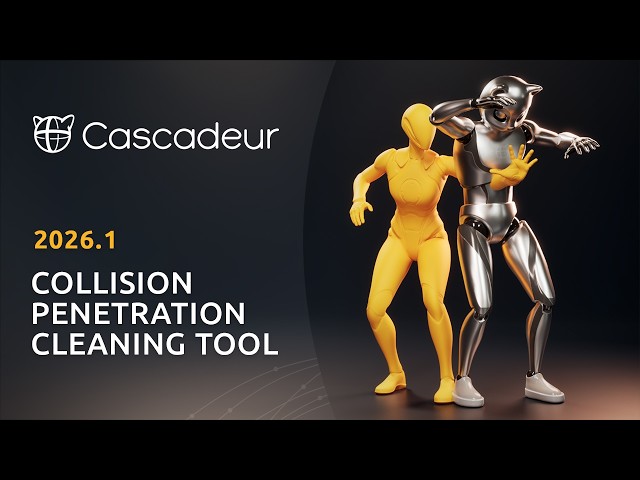
Collision Penetration Cleaning Tool
Mocap & Editing, Interface

03:08
Tutorial
Level
Creating Stylized Cartoon Animation in Cascadeur
Keyframe Animation

11:42
Tutorial
Level
Getting Locomotion Animations Ready for UE5 in Cascadeur
Mocap & Editing, Keyframe Animation

16:10
Tutorial
Level
Creating a Walk Cycle in Cascadeur
Keyframe Animation

12:12
Tutorial
Level
Cleanup and Retarget MOVE ONE (Move.ai) Video Mocap
Mocap & Editing

05:58
Tutorial
Level
Using Ragdoll Physics
Physics

03:25
Tutorial
Level
Introducing Contact Animation for 2 and more Characters
Physics

04:00
Tutorial
Level
Using Pin Collision to Create Swinging Animation
Physics

04:09
Tutorial
Level
AutoPhysics | Interact with Environment
Physics
01:33:32
Get started. First steps in Cascadeur
0/7

01:30:12
Mocap cleanup course
0/7
47:54
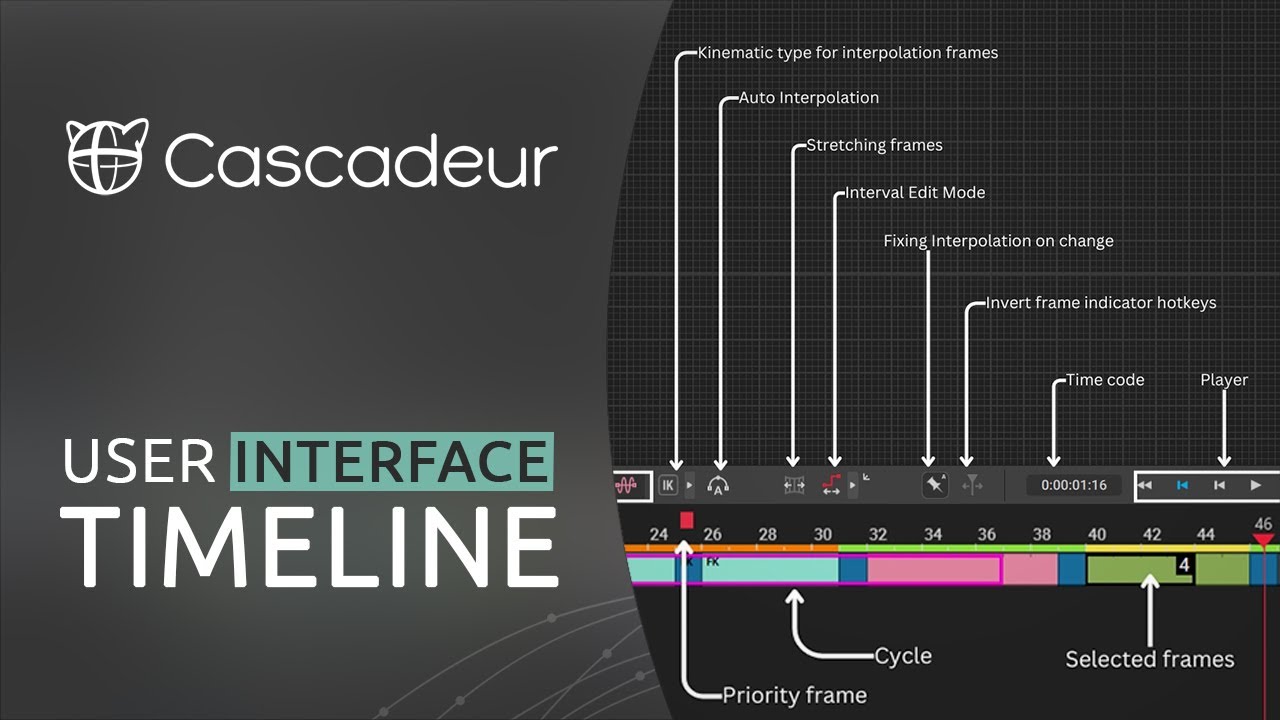
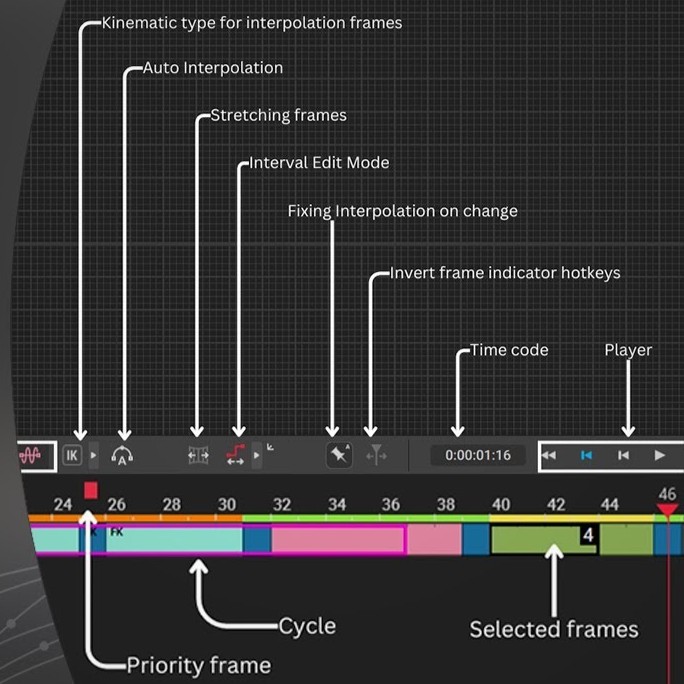
Interface Overview
0/9

38:35
Introduction to scripting in Cascadeur
0/3